· 1 min read
How To Clear PHP-FPM Logs Daily On macOS (M1 Chipset)
To clear your php-fpm logs daily set up a CRON job to run the following script.

So, it was that kind of day. Time to document a thing...
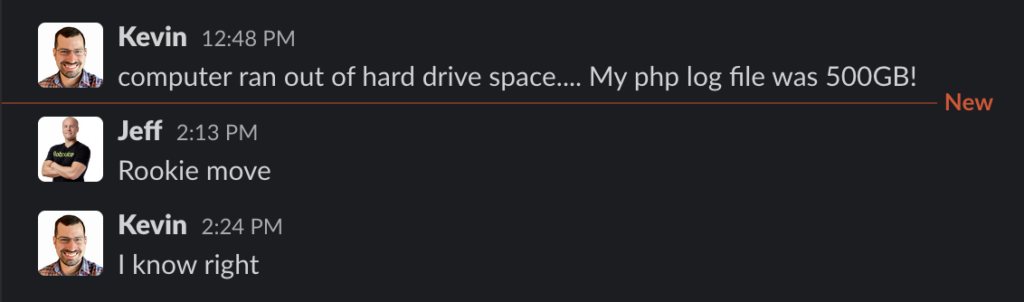
To clear your php-fpm logs daily, set up a CRON job to run the following script. You will need to update the log file path and script path to work with your setup – I have multiple PHP versions installed on Mac via homebrew.
bash
#!/bin/sh
# daily clean php-fpm logs
# 0 0 * * * sh /Users/kevin/Dev/CRON/mac.sh
LOGFILE=/opt/homebrew/var/log/php-fpm.log

if test -f "$LOGFILE"; then
    echo "$LOGFILE exists."
    echo "" > "$LOGFILE"
    echo "$LOGFILE contents:"
    tail "$LOGFILE"
else
    echo "$LOGFILE does not exist."
fi
Now, add it to your Mac's CRON with crontab -e.
bash
0 0 * * * sh /Users/kevin/Dev/CRON/mac.sh